May 222010
 

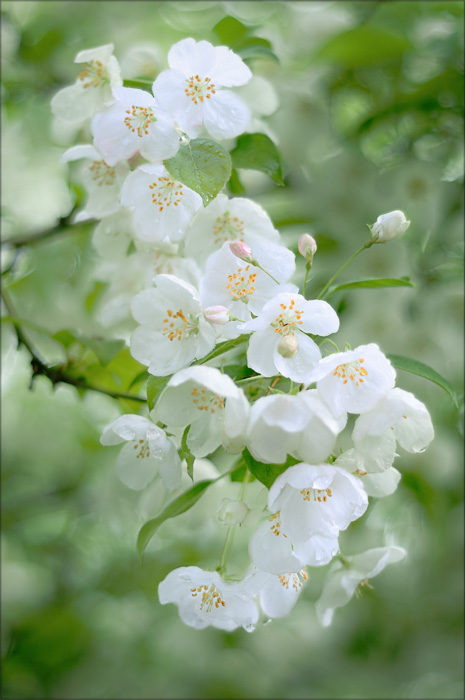
A spray of white crabapples blossoms in the shape of an "s".

{click image to view large}

This image was photographed May 1st. I’m having too much fun shooting, and am behind on processing!

Actually, I feel the need to process as much as shoot because each informs the other. Processing shows up weaknesses (or strengths) in a composition that I didn’t necessarily see in the field, and can watch for next time.

Public feedback helps, too.  🙂

Dark green color swatch.Medium green color swatch.Light green color swatch.Yellow color swatch.

  • Dark green R:78 G:108 B:41
  • Medium green R:112 G:141 B:96
  • Light green R:156 G:175 B:148
  • Yellow R:191 G:166 B:76
May 092010
 

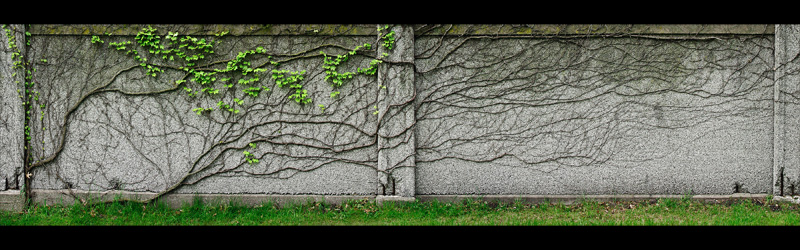
Detail of an ivy tree panorama.

{click images to view full panoramas}

The image above is detail from a 7-frame panorama photographed in a very old cemetery. (See also a large view on black .)  Tripods are not allowed, so it was shot hand-held in portrait mode with a lot of overlap and wriggle room around the subject. To help reduce distortion, rather than panning I took several steps parallel to the wall between each frame.

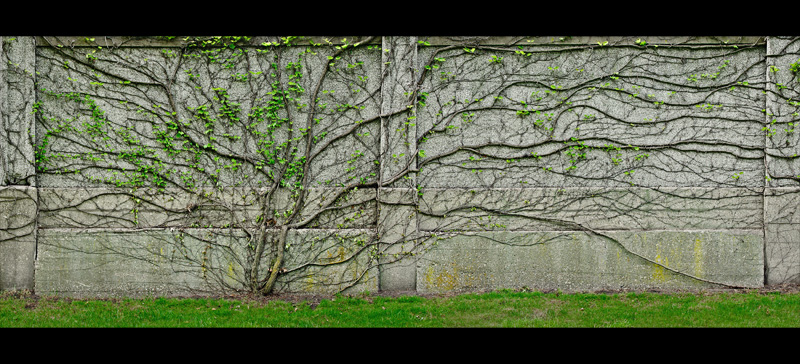
Detail of an ivy tree panorama.

Further along was a completely different ivy tree. The image left is detail from a 5-frame panorama, photographed the same way. (Click image to view the full panorama or see also large on black.)

The light was high and hard that day so, inspired by Mark Johnson’s recent Photoshop Workbench: Salvaging Detail, I began processing with a foray into the Shadows/Highlights adjustment. It’s the first time I’ve used that feature, and am intrigued by what it can do!

|

|

Gray color swatch.Medium green color swatch.Light green color swatch.

  • Gray R:102 G:104 B:89
  • Medium green R:90 G:149 B:41
  • Light green R:162 G:211 B:84