Bungalow 104

Flickr

I've joined the Flickr flock, where you can view some of my recent photos.

NoComment

Despite the wonderful MT-Blacklist/Comment Spam Clearinghouse project, I'm tired of dealing with comment spam and have turned comments off.

Meanwhile, please feel free to contact me directly.

Door#2

I wondered what was behind this door photographed on a narrow street in Florence, so I made up my own story

Birthdays

Today is my mother's birthday. She is an artist, and a wonderful cook. So I made her a website, and some pickled asparagus. Happy birthday to us!

Two design constraints I set for this project:

1. Accessibility: a horizontal menu which would expand and flow /behind/ the logotype if text is enlarged, and;

2. SEO: use absolute positioning in the CSS to keep primary content at the top of the source order and place navigation last in the markup.

Witch Hazel

For Halloween, an image of Witch Hazel.

The leaves turn bright yellow and drop off in autumn; then yellow flowers appear here in late October. Medicinal properties include “astringent, tonic, sedative, valuable in checking internal and external haemorrhage, most efficacious in the treatment of piles, a good pain-killer for the same, useful for bruises and inflammatory swellings, also for diarrhoea, dysentery and mucous discharges,” according to a text from the 1800s. (I wonder if that's why it's called “witch” hazel?)

Native to both North America and East Asia, the latter perhaps justifies this somewhat oriental rendering. The image is a composite of two photos using various Photoshop layer blending modes and filters.

Witch Hazel” is also “a fictional character made by The Walt Disney Company. She first appears in the Donald Duck cartoon Trick or Treat in 1952 where she helps Huey, Dewey and Louie get candy from Donald.” Wikipedia.

browsehappy

If you're concerned about using Internet Explorer because of recent security alerts, but aren't sure what your options are or how to switch to a different browser, visit Browse Happy created by The Web Standards Project.

Mozilla is my primary browser, and I especially like the tabbed browsing feature—also included in other free browsers—which eliminates the clutter of multiple windows but lets me have any number of Web pages open to view with a single click.

Fantasia

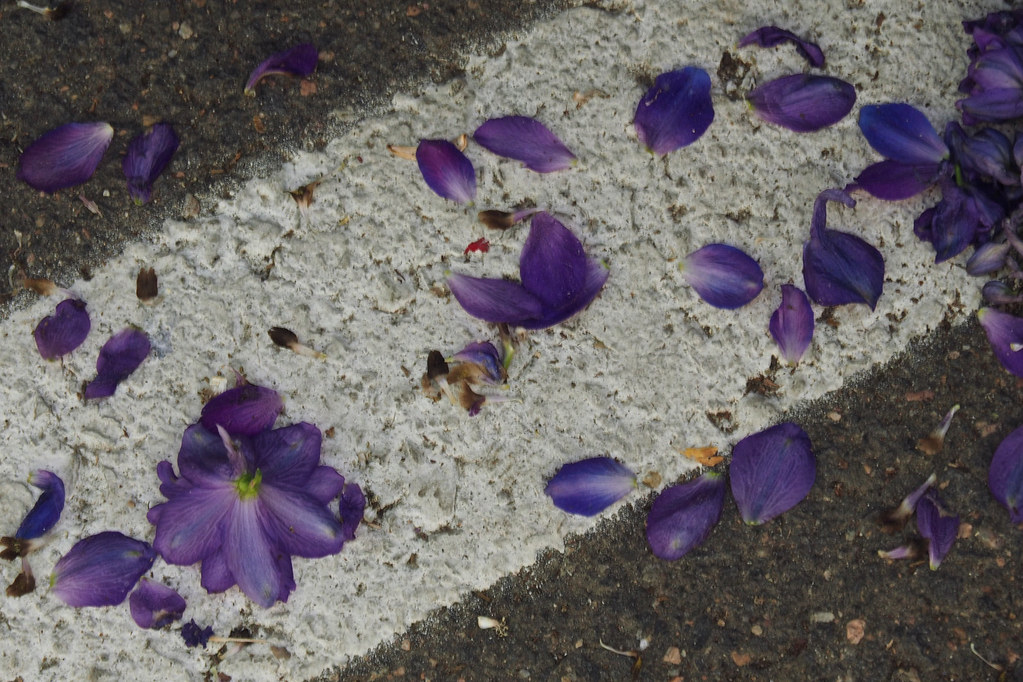
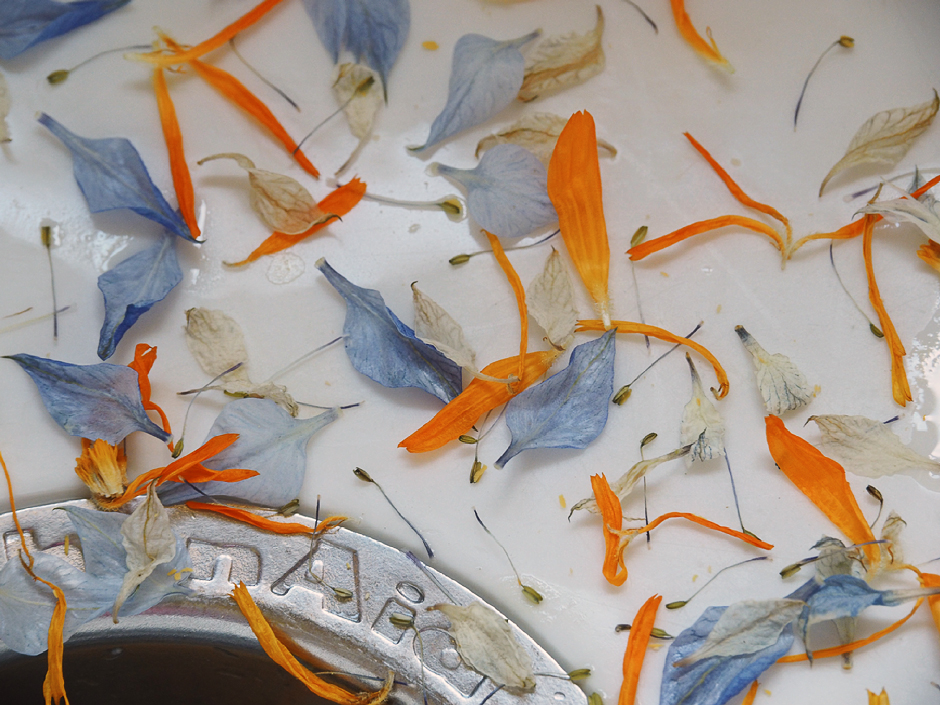
Fantasia: experiments with scans of dried fantasia flowers led to the following images:

Greece

Photos of Greece: Searching for articles on underpainting, I came across the Mische Technique and wondered if it could be applied using Photoshop.

Each photograph was converted to line art, which served as a base for the underpainting.

The original image was then posterized, and used as a source for overpainting with Art History brushes from Adobe® Photoshop® 7 One Click Wow!

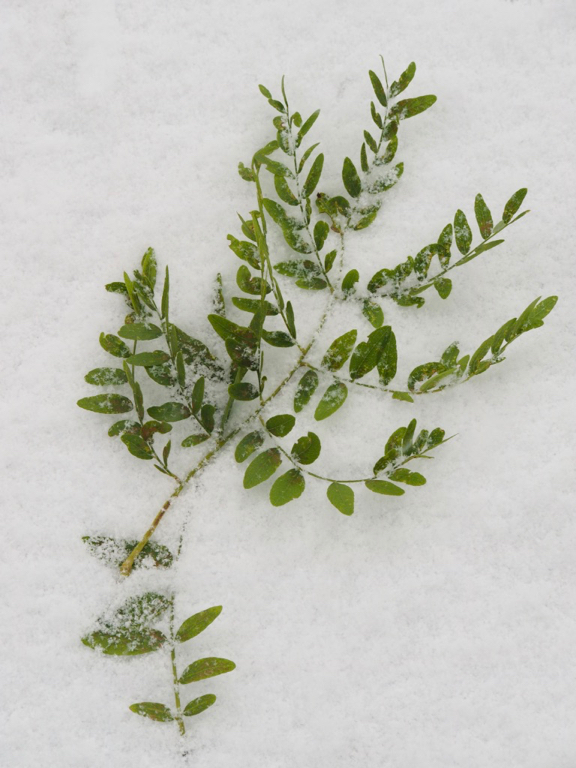
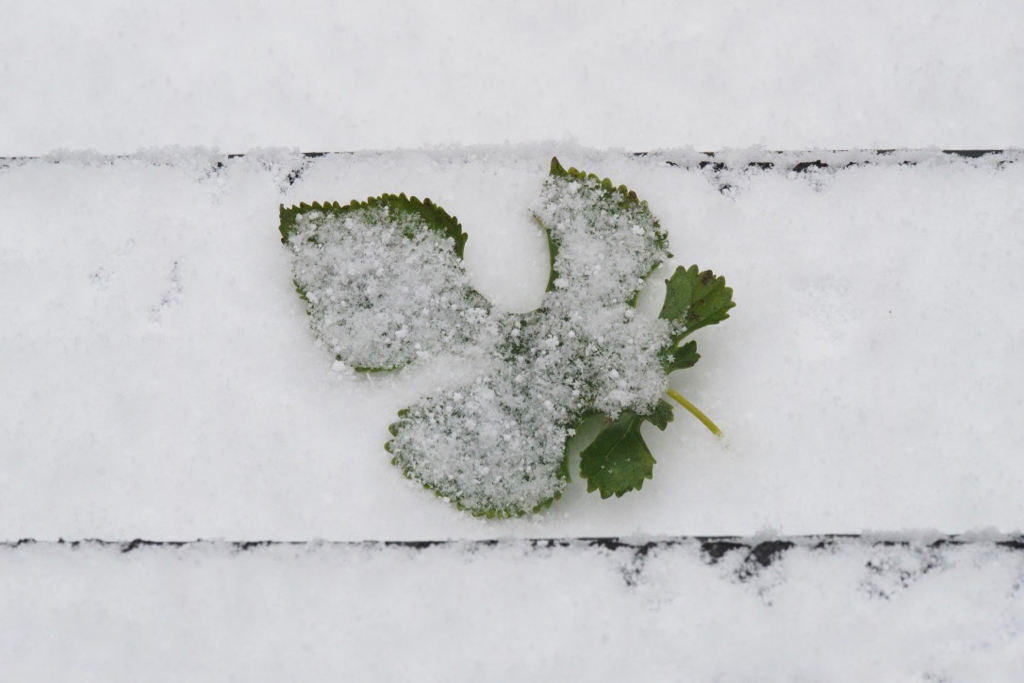
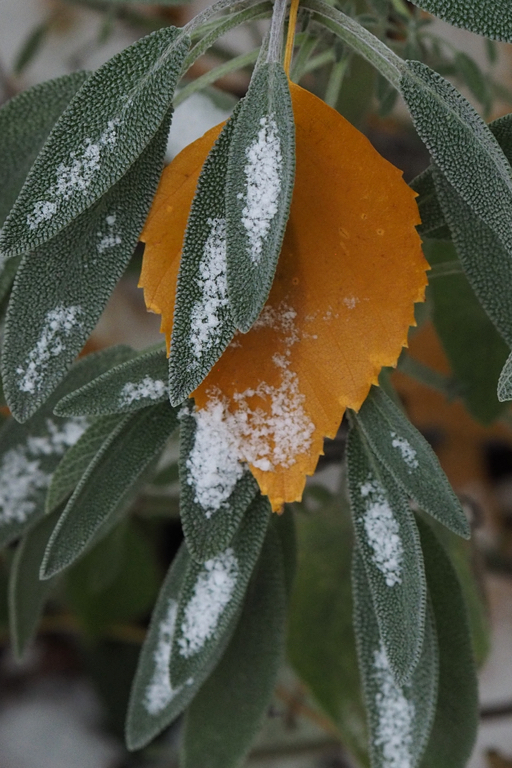
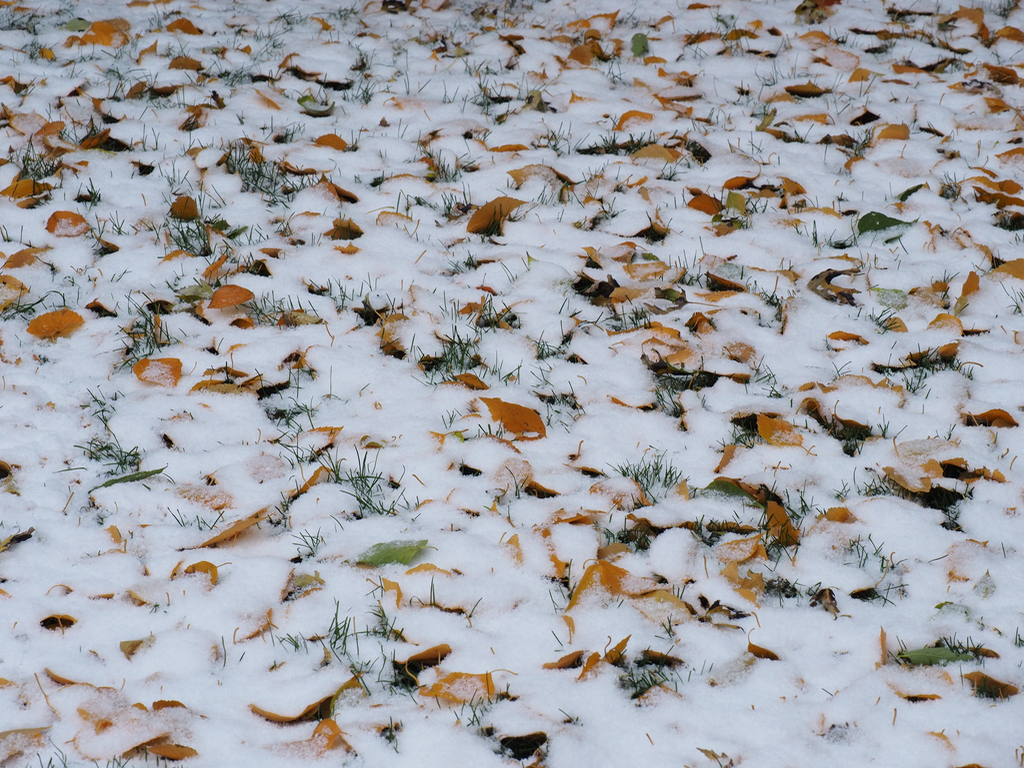
Though this photograph was taken late autumn, and the leaves have fallen, the berries remain bright red against the first winter snow in our garden.

I've been developing a new certificate program for the Institute of Professional Development at DePaul University: Standards-based Web Design. The 6-week program begins January 28, 2003.

Despite my plans, the most interesting results often occur by accident. Photoshop's Auto Levels lent a surprising, but I think effective, blue shift to a gray stucco background in this photograph of lilies.

In “Photoshop 7 Down and Dirty Tricks,” Scott Kelby describes a technique for simulating shallow depth of field in a digital photograph. Using the Gradient Tool in Quick Mask mode to create a selection, feathering, and then applying a Gaussian Blur resulted in this image of a Golden Light Azalea bloom isolated from the background.

Spring brings an update to the Bungalow's color scheme, using swatches from a photograph of our garden. ImageReady 3.0 and/or Photoshop make it easy to create custom palettes from the dominant colors in any image.

With this entry, the tutorial format has been shifted from a table-based layout into pure CSS. Hopefully, some kind soul on a Mac will let me know if they see any problems.

Fun with CSS and typographic layouts: according to my tests under Windows, this quotation should hold its styling in a variety of browsers despite the visitor's font size setting. View a screen shot for comparison.

Opera 5 doesn't recognize the character entity for the leading ellipses, but Opera 6 gets it right.

The start of a new year seemed a good time to translate this site from its old table-based layout to a presentation which relies instead on Cascading Style Sheets (along with a winter color scheme).

The display in Netscape 4.x will be a bit different than in newer, more standards-compliant browsers, such as: Netscape 6, Opera 6, and Internet Explorer 6 (PC) or Internet Explorer 5 (Mac).

Incorporating Harold Goldstein's excellent technique, Changing Two Frames at Once w/Nesting, I've updated the markup for the Bungalow Garden Flagstone Terrace and Southwest Room. The result no longer depends on Javascript to function, and will be much easier to maintain.

Still Life: apropos of absolutely nothing except for two perfect fruits in the kitchen which caught my eye. I scanned them individually, covered with a black shirt to block stray light, and began to play in Photoshop.

View the process.

Try a Photoshop Levels adjustment technique that's been part of my arsenal for years.

A Monarch butterfly has been added to the Bungalow Garden.

Another room has been added to the Bungalow Garden (first posted 11/18/01): the Flagstone Terrace includes photographs of a Pagoda Dogwood, Yellow Stonecrop, and Chives along with a recipe for Chive Blossom Butter.

The Bungalow Garden is a website work in progress.

In developing this personal site, I decided to sacrifice some download speed for the visuals. Therefore, it's best viewed with a fast connection.

Autumn: another experiment with sandwiched exposures and Gaussian blur overlays (see previous entries). This time a mortise cut into the image reveals more depth of field from the original photograph layered below.

Chicago Conservatory Gardens, photographed at the height of summer.

The images were enhanced using a combination of Gaussian blur overlays and sandwiched exposures, much like the Doorways series posted 10/31. View a sample image before and after modification.

On “Hitting Resistance” from the book Photographic Possibilities by Robert Hirsch:

“When hand-altering work, do not be afraid to push and pull the materials until you meet resistance. Go to the limit, push against the wall of familiarity…. When you hit resistance to new ideas and methods, it means you are entering uncharted waters. There are no guides, instructions, or maps to offer advice. You are on your own. … 

“There are far fewer rules and standards in hand-altered work than in conventional photographic methods. So how do you find satisfaction and success? Your mind will quit circling and say yes to what you have created.”

Doorways of row houses lining the narrow streets in Florence, Italy, except the final image which is the front door of a winery in Castlello Volpaia.

To bring out their personality and enhance the sense of mystery, Gaussian blur overlays were used in Photoshop. View the procedure.

Villa a Sesta: photos of a small village in Tuscany, population 60, which boasts a fabulous Michelin-star restaurant, cooking school, their own olive oil and Chianti wine.

While it was nearly impossible to take a bad photo in this picturesque town, they did benefit from contrast masking in Photoshop.

Rudbeckia in our garden, surrounded by Japanese Fountain Grass. View a description of how the image was photographed and processed in Photoshop 6.